 Shoppingo
Shoppingo: a shared shopping list that builds itself from your recipes
Shoppingo turns your recipes into a shopping list, sorts it by aisle and keeps it in sync with everyone you live with. It works in the shop even when there’s no signal.
Free and open source. Install it from your browser on iPhone or Android.
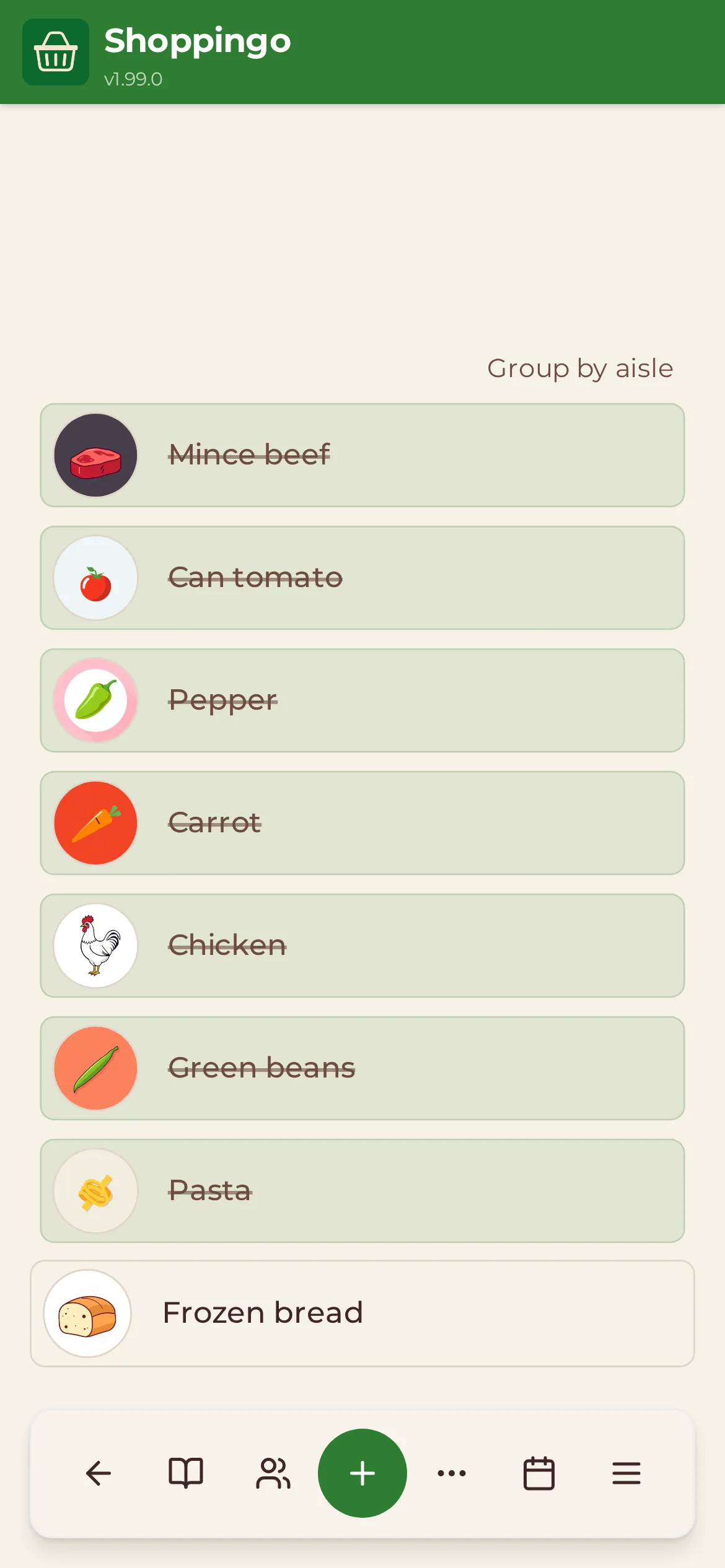
One list, and everyone’s on it
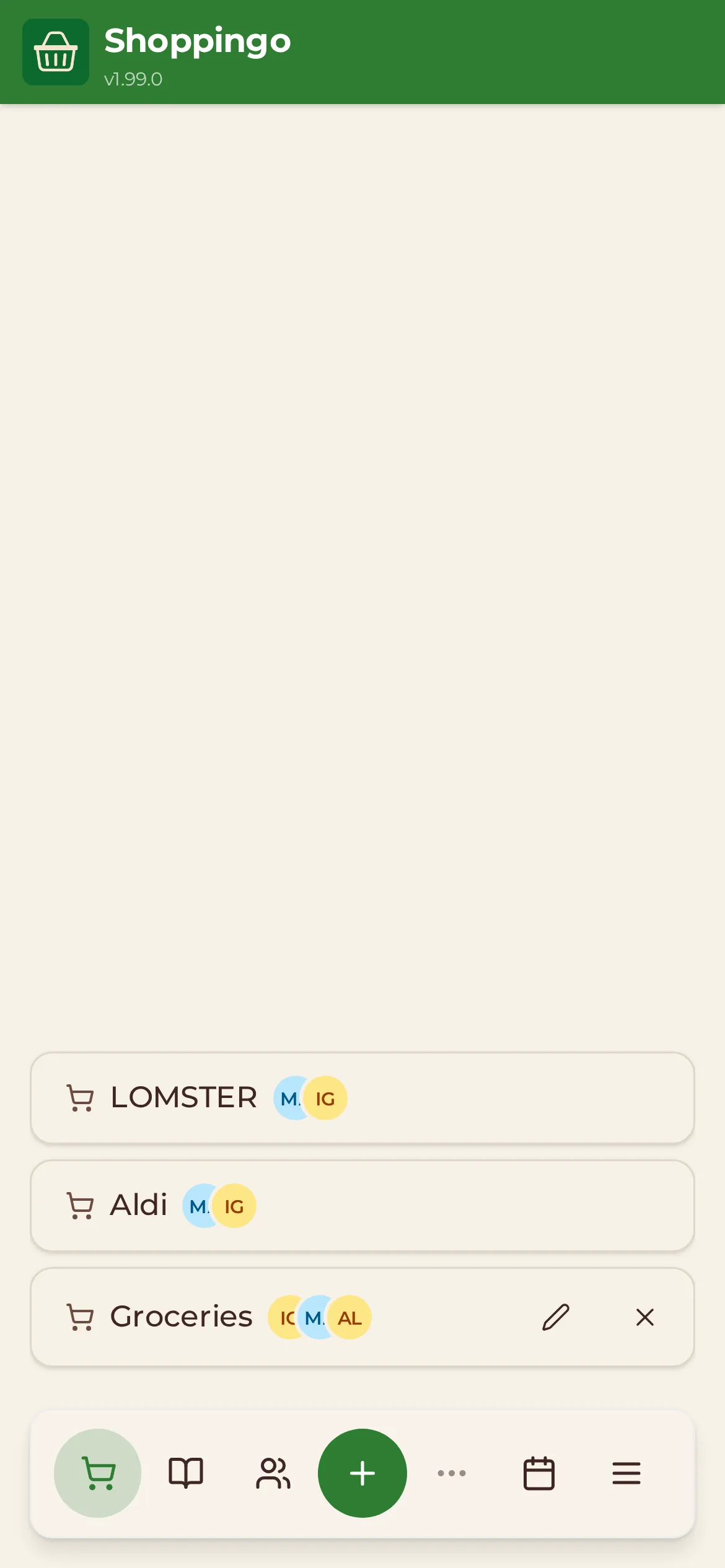
Share a list with the people you live with. When someone adds oat milk at home, it appears on the phone of whoever is in the shop.
- Changes show up for everyone straight away, with each member’s initials on the list.
- Items sort themselves by aisle, so you walk the shop once.
- Every item gets a small picture, so a glance is enough.
- Add things by voice: “milk, eggs and two tins of tomatoes”.
- Ticks made with no signal sync as soon as you’re back online.
- Two recipes that both need garlic make one garlic row, not two.
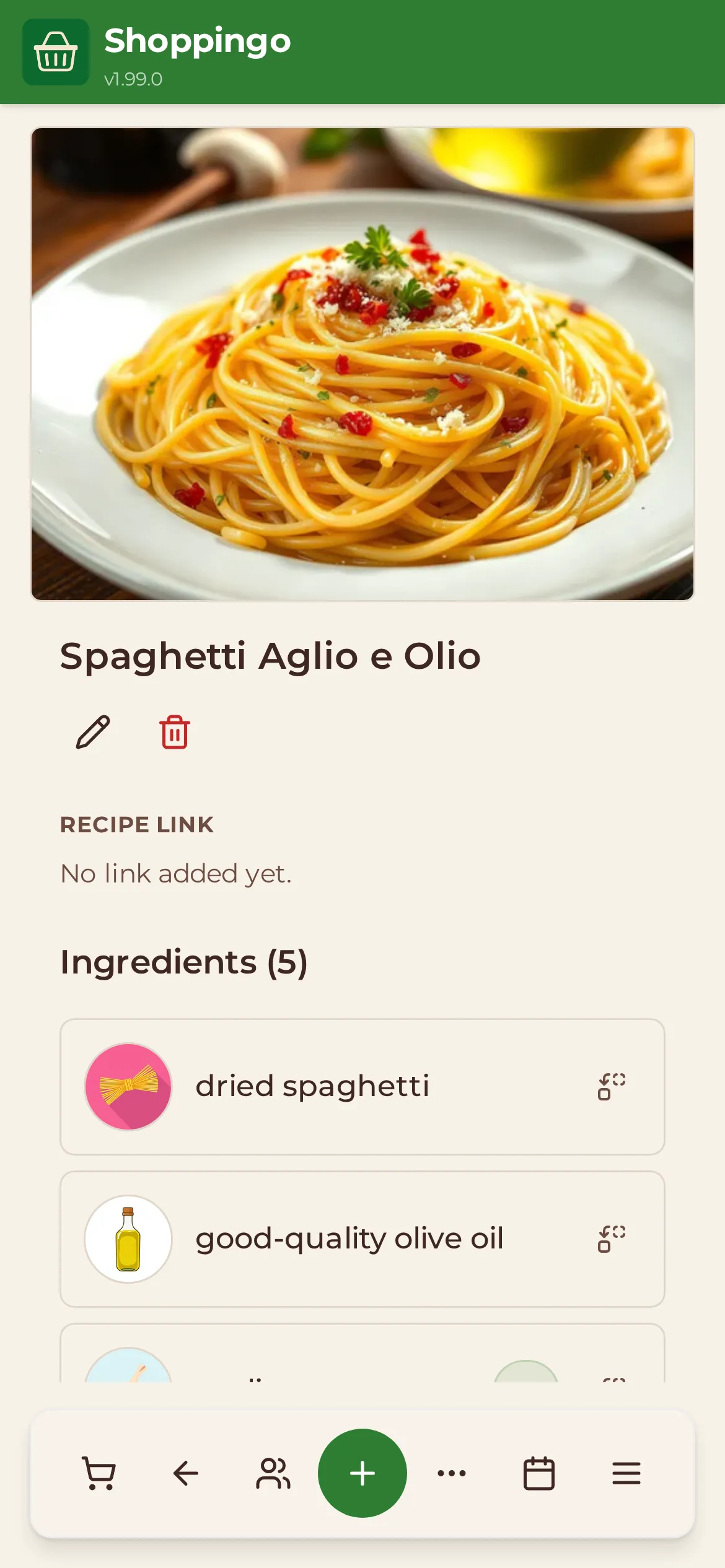
Your recipes, with the list built in
Keep the recipes you actually cook in one place, then send their ingredients to a list with a few taps.
- Import a recipe from any link. Shoppingo pulls out the ingredients and method, and you check them before saving.
- On Android, share a recipe page from your browser straight into Shoppingo.
- Change the number of portions and the quantities follow.
- Convert measurements to metric or imperial.
- Missing something? Ask for a substitute that works in that recipe.
- Share recipes with friends, and keep cooking times, servings and tags with each one.
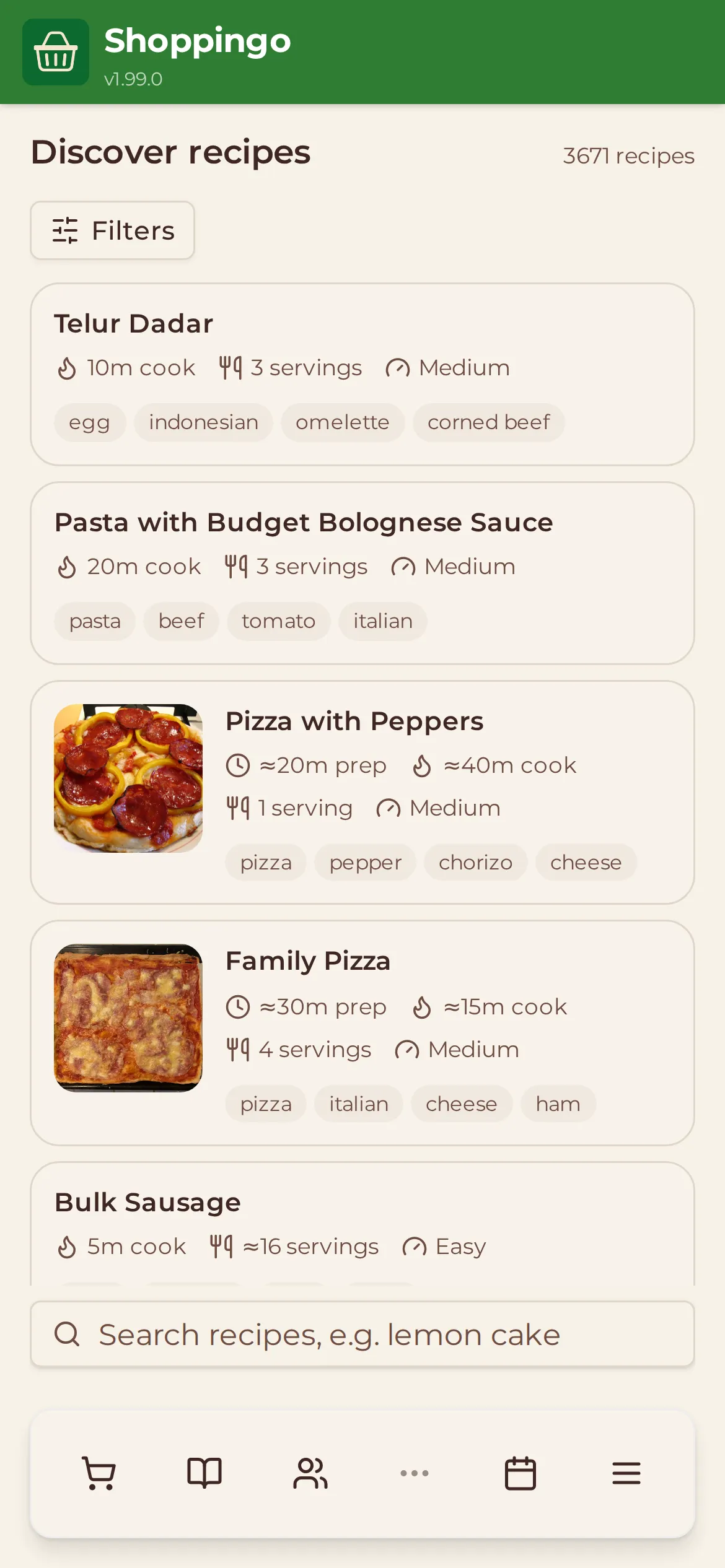
Over 3,600 recipes to start from
Stuck for ideas? Search a shared library and copy anything you like into your own recipes.
- Search by name, with filters for cooking time, difficulty, tags and ingredients.
- Use up an ingredient: type what’s about to go off and see recipes that use it.
- Copy a recipe into your collection, then edit it to suit you.
- Publish your own recipes to the library if you want others to find them.
Plan the week, then shop for it
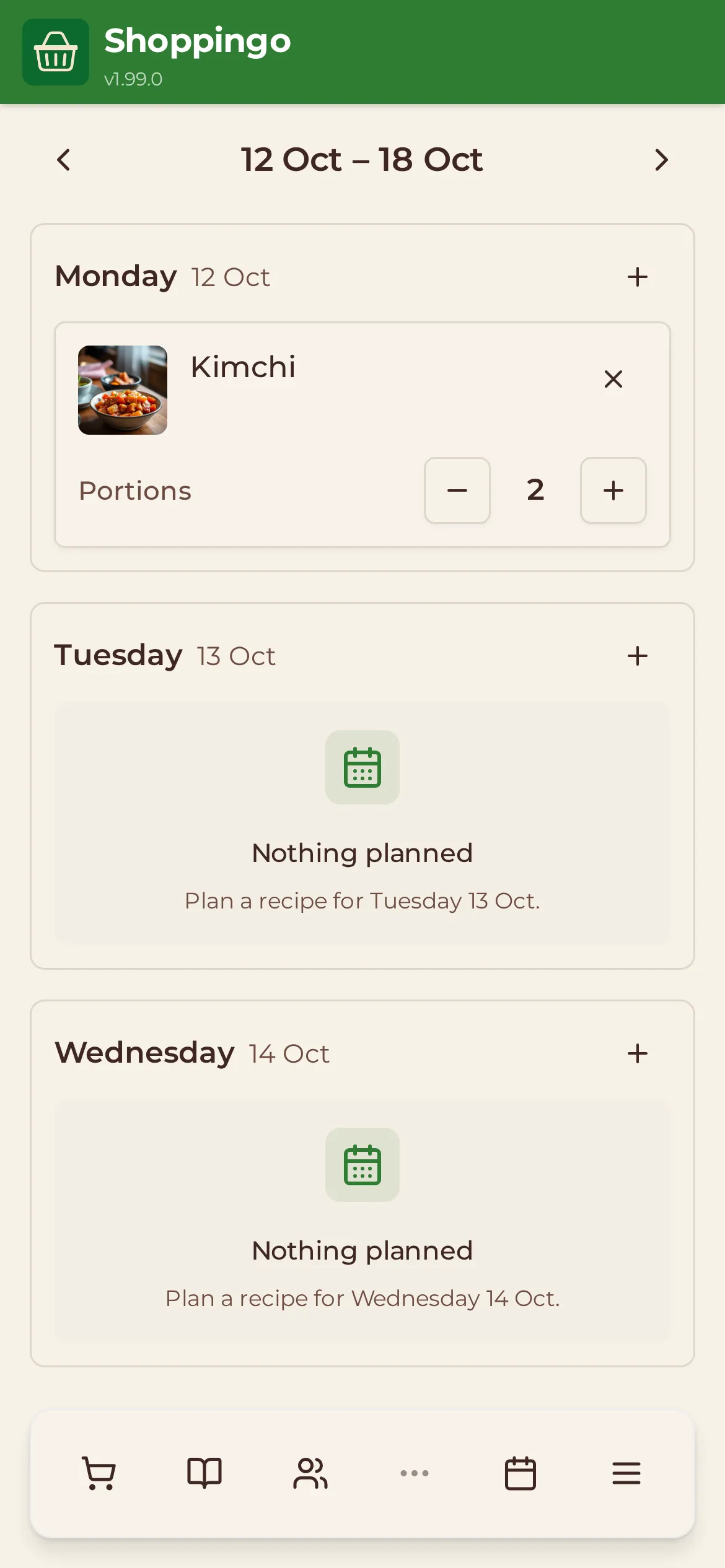
Put recipes on the days you’ll cook them and Shoppingo works out what to buy.
- Drop recipes onto days and set the portions for each meal.
- Preview the shopping for the week and add it to a list in one go.
- A shared calendar for household to-dos, with reminders on your phone.
From a link to a list
- Copy the link to a recipe from any website.
- Paste it into Shoppingo, or share the page to Shoppingo from your browser.
- Check the ingredients and method it found, then save.
- Tick the ingredients you need and add them to a list.
Free, open source, and yours to run
Shoppingo is built in the open under the AGPL licence. Use the hosted version, or start your own copy on any server with Docker. Bug reports, ideas and pull requests are welcome.
$ git clone https://github.com/igor-siergiej/shoppingo
$ cd shoppingo/selfhost
$ cp .env.example .env
$ docker compose up -d
Questions
Is Shoppingo free?
Yes. There are no ads and no paid tier. Shoppingo is open source under the AGPL licence.
Is there an app in the App Store or Play Store?
Not yet. Shoppingo is a web app you install from your browser. On iPhone, open it in Safari and choose Share, then Add to Home Screen. On Android, choose Install app from the browser menu. It then opens full screen like any other app.
Does it work without signal in the shop?
Yes. Your lists are saved on your phone, so you can tick items off with no connection. Changes sync to everyone else as soon as you are back online.
Who can see my lists and recipes?
Only you and the friends you share them with. Recipes become public only if you choose to publish one to the Discover library.
Where do the Discover recipes come from?
Most come from the Wikibooks Cookbook, shared under a Creative Commons licence and credited on every recipe. The rest are recipes Shoppingo users chose to publish.
Can I run my own copy?
Yes. The repository includes a Docker Compose file that starts the whole stack on your own server.